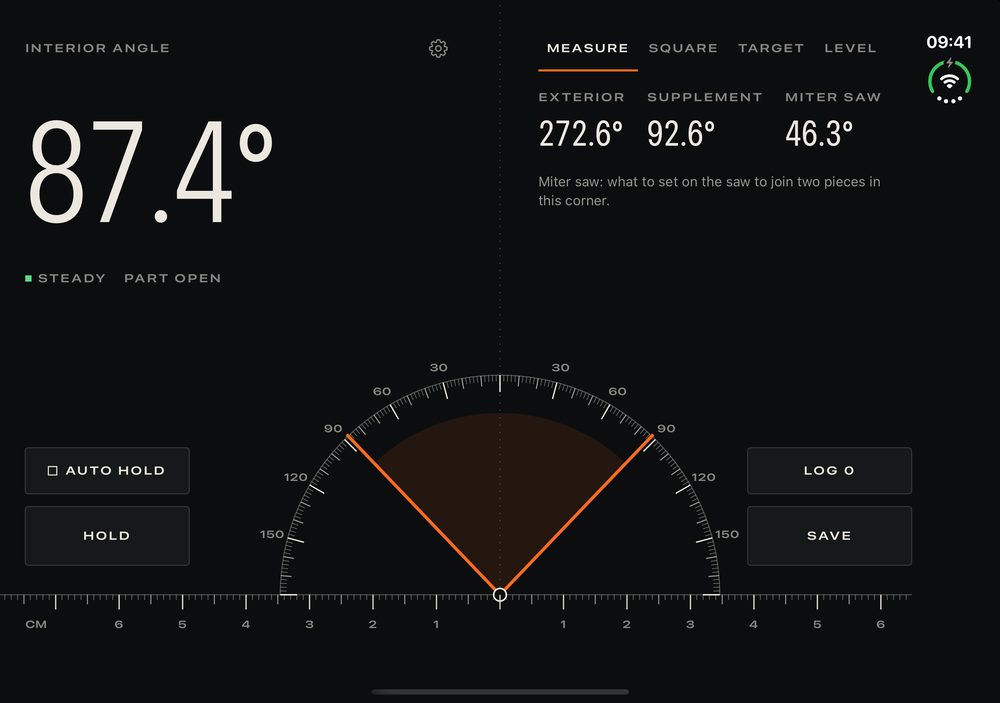
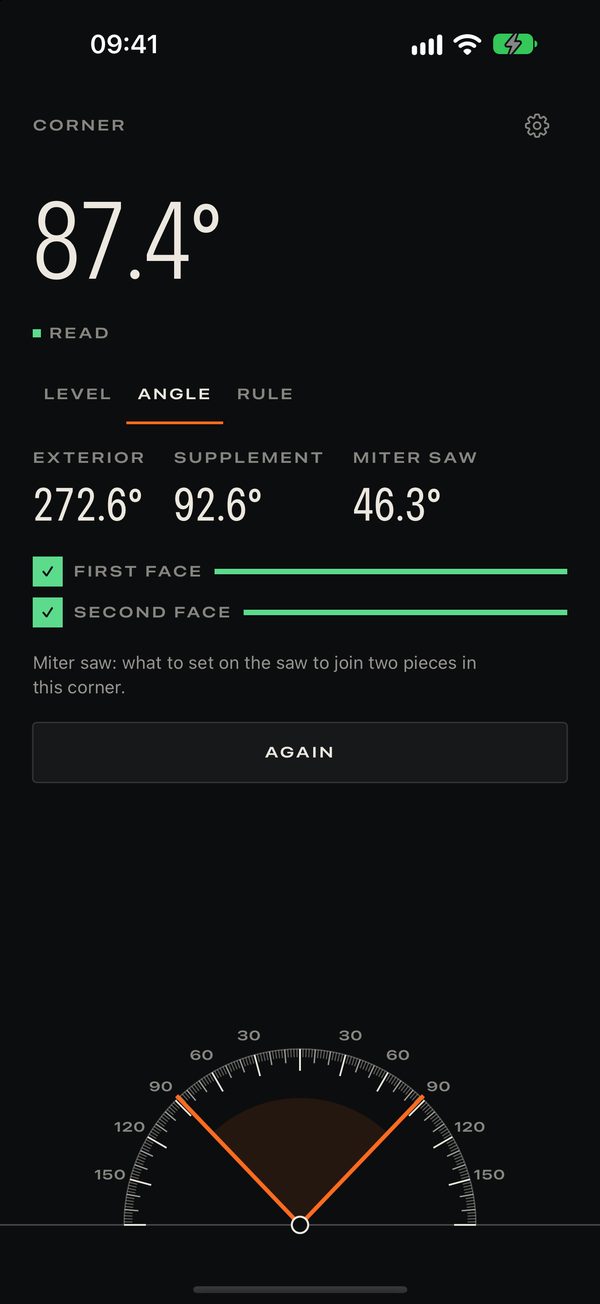
On iPhone Duo, the hinge is the instrument: open the phone against a corner and read the angle between its two halves, with its exterior, its supplement and the miter saw setting that joins two pieces.
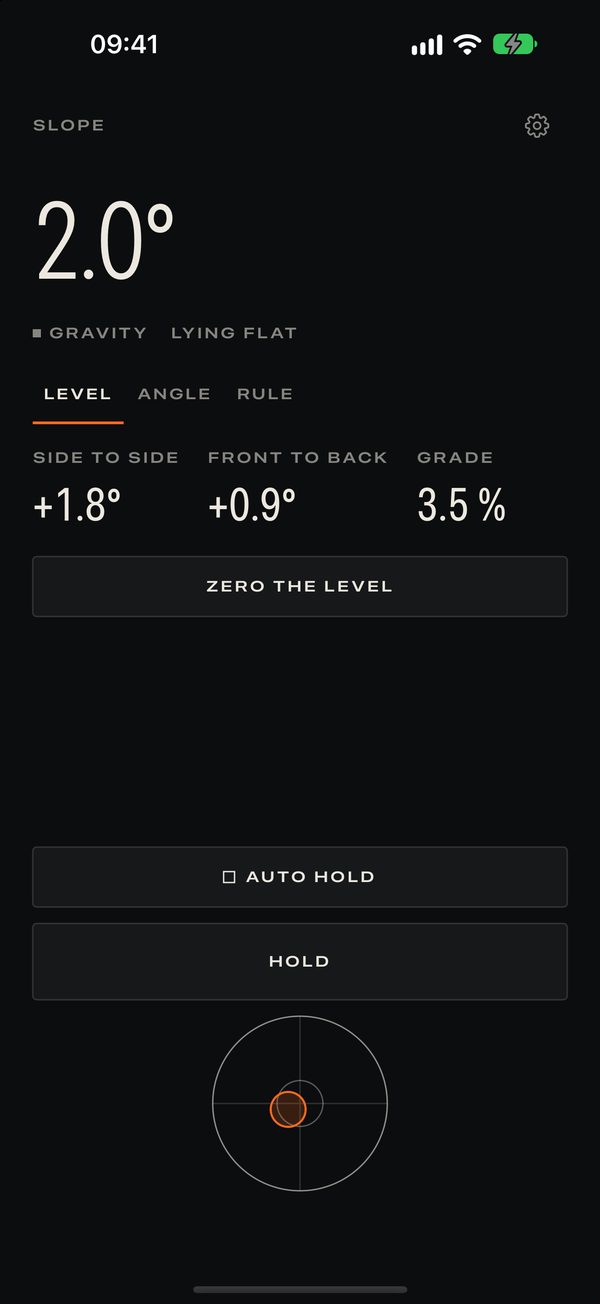
On any other iPhone, Diedro is a bubble level, a corner gauge and a true-scale ruler. Nothing the sensor cannot measure is simulated.
On iPhone Duo
- Square: color and a tap tell you when you reach 90°, 45° and the usual workshop angles.
- Target: pick an angle and be guided to it. Use it to transfer an angle from one piece to another.
- Two-plane level, with the Duo folded.
- Hold: the reading freezes once it is steady, so you can read it calmly.
- Shut it, and the cover display keeps the last reading.
On any iPhone
- Bubble level lying flat, on two axes, or on its edge, in degrees and percent of slope.
- Corner gauge: rest the iPhone on one face of a corner, then on the other.
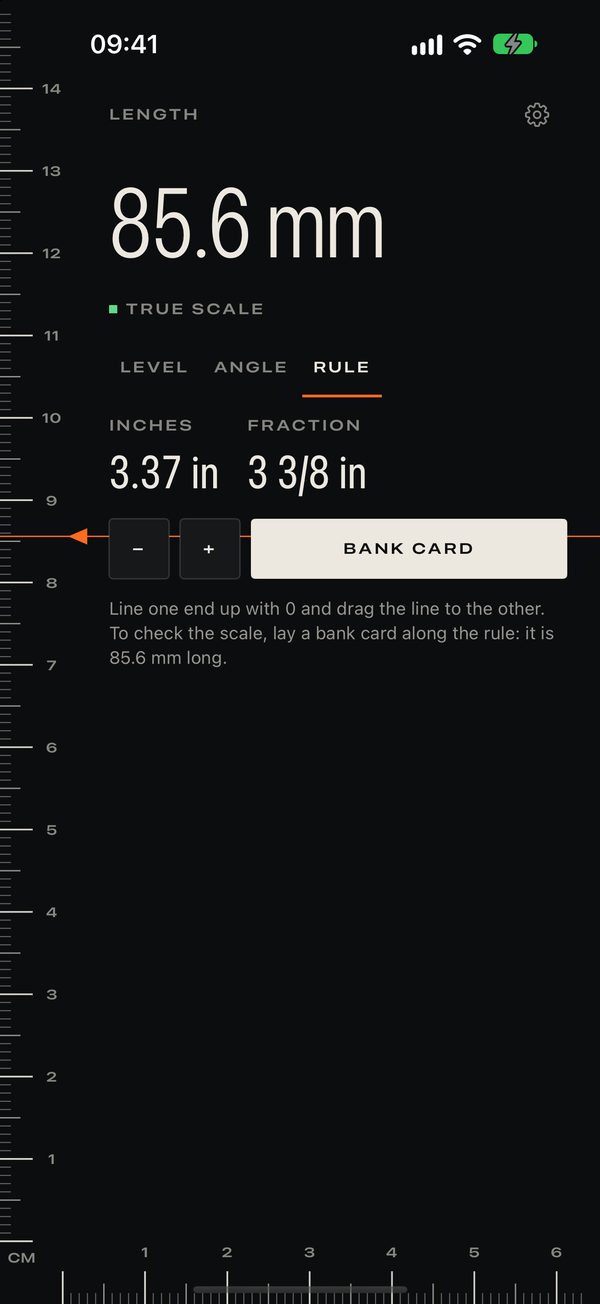
- True-scale ruler in millimeters or inches.
On iPhone Duo, Diedro Pro unlocks the workshop tools; on other iPhones nothing is locked.
Honest about precision
Diedro shows the resolution the sensor really delivers, with no decorative decimals. It is a handy instrument, not a certified one. No ads, no account, no tracking.