iPhone Duo: what you can do with the hinge
iPhone Duo, the first foldable iPhone, has been on sale since October 23,
- Its hinge is not only there to shut it: iOS 27 changes with the way you hold it, and some apps use it as a controller.
1. The five poses
Apple names five ways to use it:
- Landscape: open like a book, with the whole 7.6-inch inner display. With Split View you use two apps at once, one on each side.
- Portrait: open, in your hand. The keyboard is wider, and you can pin a video to the top while you use another app.
- Closed: the 5.4-inch outer display, for one hand. The essential controls move to the side.
- Seated: set down on a table to watch a show or follow a workout at the right angle, with the controls at the bottom.
- Standing: StandBy, with a clock, photos or widgets, and the outer display for movies at whatever angle you like.
Since it stands on its own, you can also take FaceTime calls without holding it.
2. The hinge as a controller
Since iOS 27.1, an app can read the hinge angle: how far open the phone is, at every moment. That angle can be a measurement, or a controller. Here are two apps that use it; I made both.
Rob the Phone: a safe you crack by ear
In Rob the Phone the phone is the dial of a safe. You open and close it to turn, listen as the dial gets louder near the number, and hold still on the click. Three numbers open the safe, and the alarm is counting.
The first safe shows its numbers. From the second on they are hidden: you find them by ear, and by the clicks you feel in the last ten degrees.
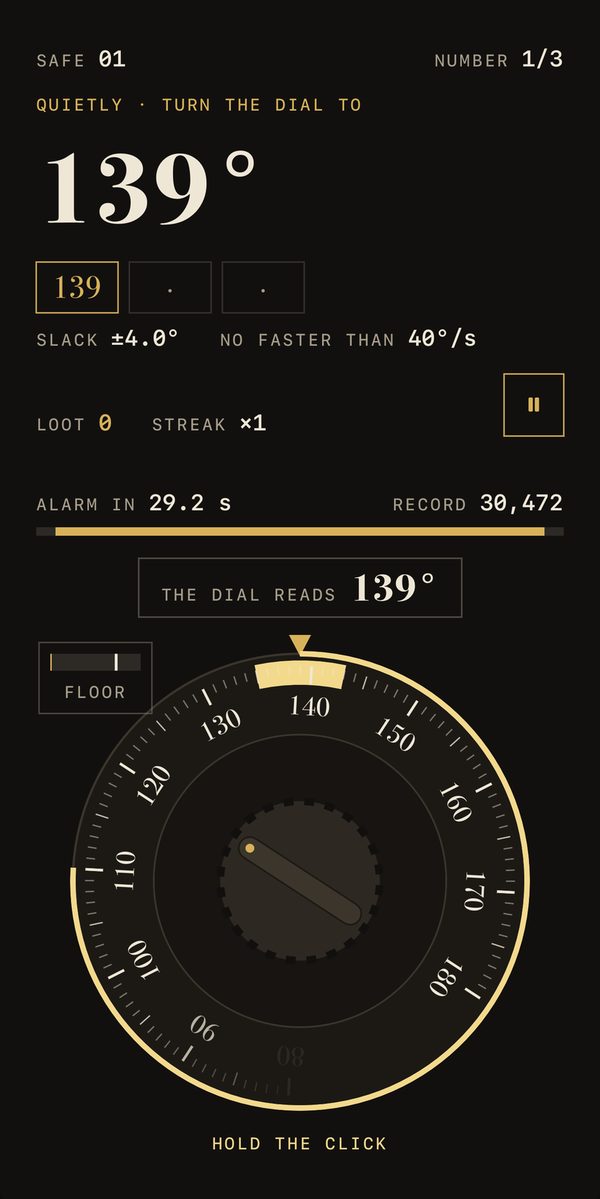
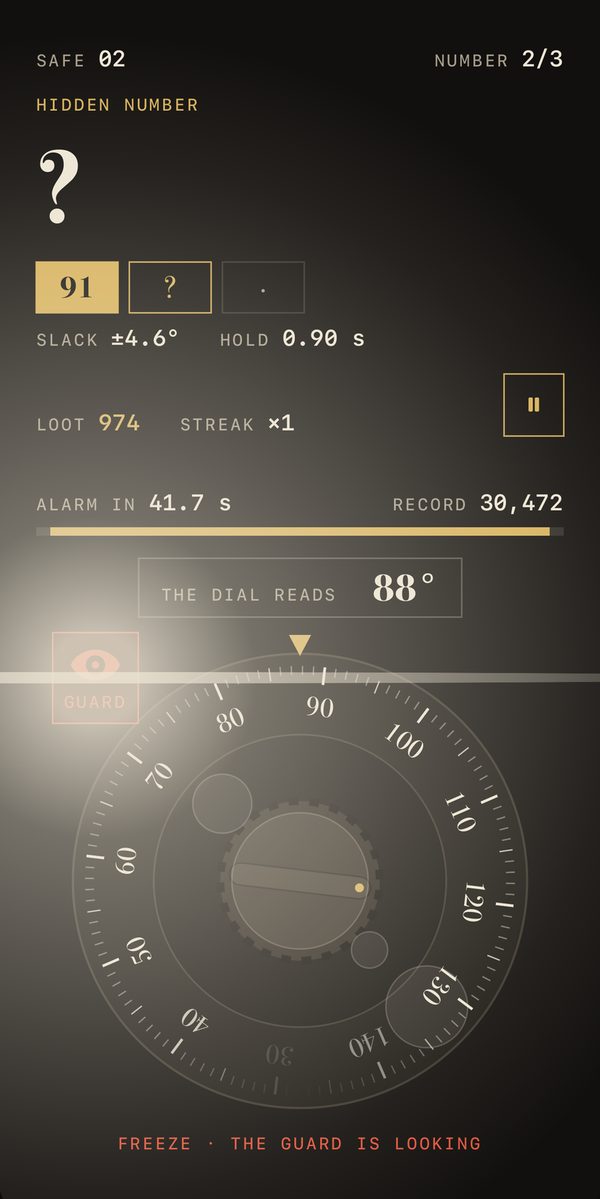
The story is one heist over six nights, room by room: beat a keypad and a lock, crack the safe, slip through the lasers, freeze in the guard’s torch, lever a jammed door, grab the loot and lose the patrol car on the way out. Close the phone and you lie low: the alarm waits until you are back. Best with headphones, at night.
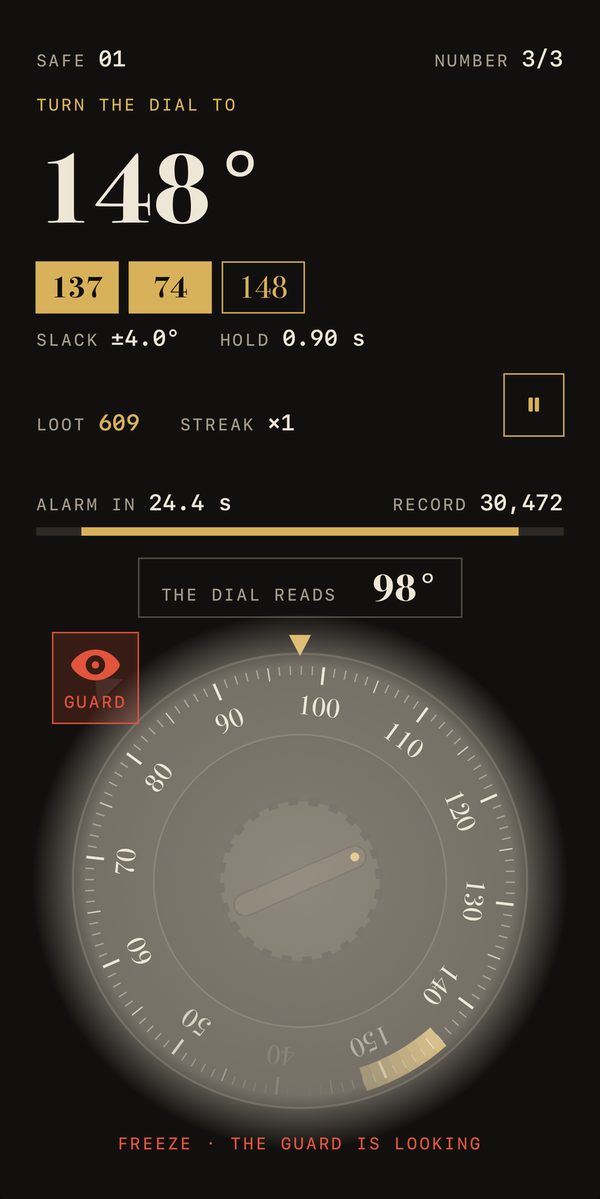
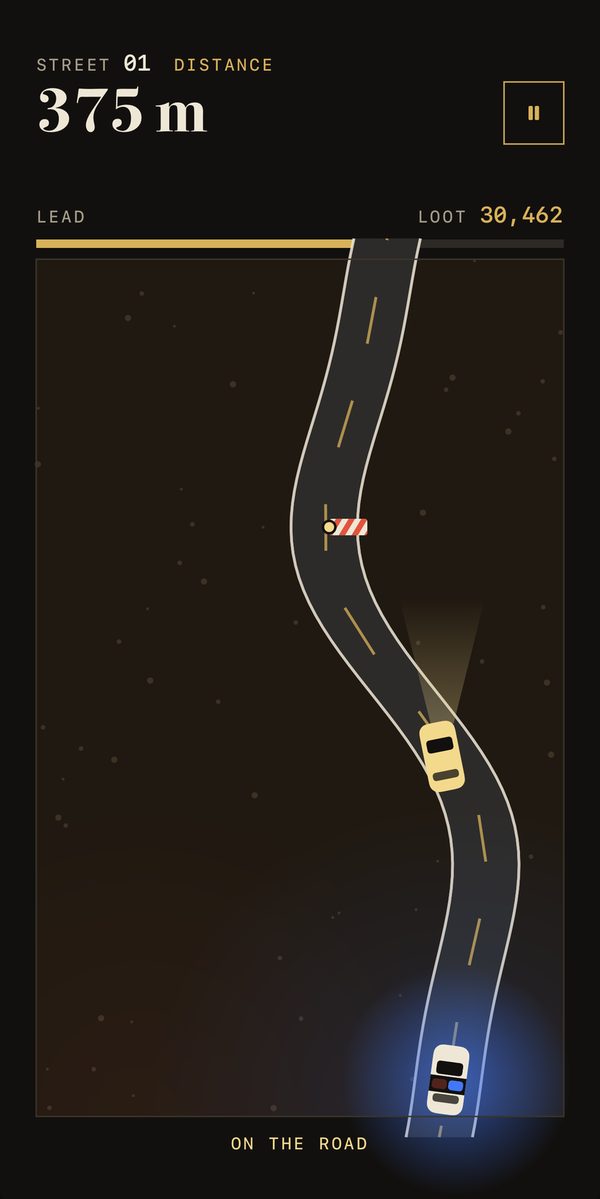
You can play it on an iPhone that does not fold too: tilt it like a lid, lying flat and lifting the top edge. The first night is free, as often as you like, and every other way in has one free go. “The whole job” unlocks everything for good for $2.99, no subscription (US App Store, October 23, 2026). No ads, no sign-in: your scores stay on the phone.
Diedro: the hinge as a protractor
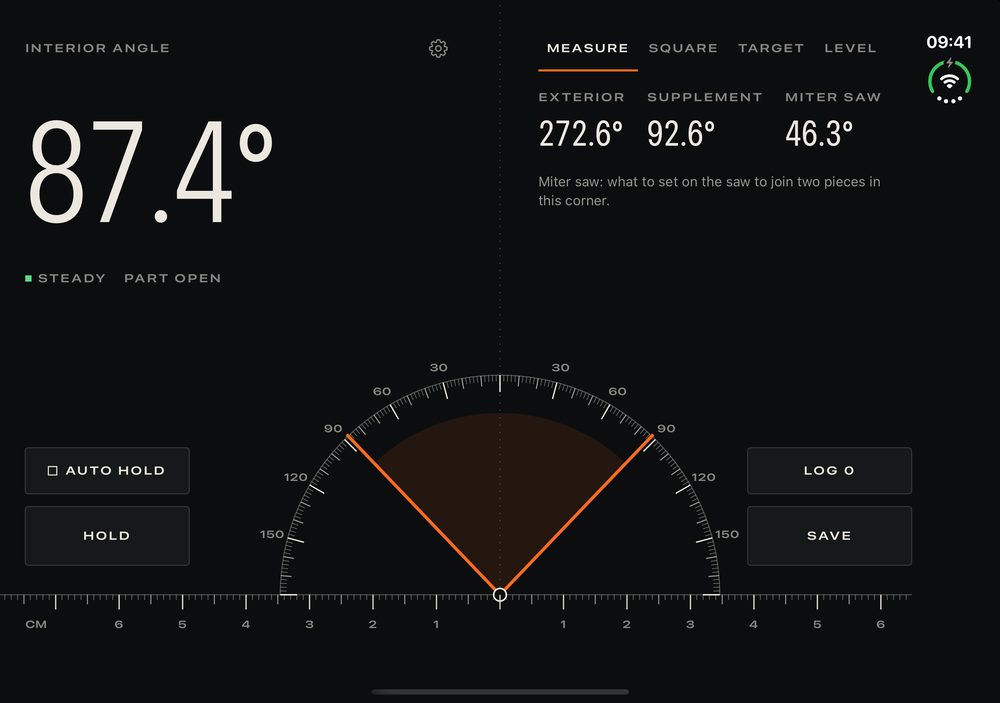
Diedro uses the same angle to measure: open the Duo against a corner and read the degrees between its two halves, with the miter saw setting to cut it. It tells you when you reach 90° or 45°, and guides you to any angle you pick. I explain it, along with what any iPhone can measure, in this guide.
And if you want to start it with a clean photo library, here is how to do it, on both screens too.